2026 Aussie Special Australia Exclusive: 24H Free AFL, NRL & Foxtel 4K Trial | Telstra & Optus NBN Ready
Sydney/Melb: Online
IPTV Player Guide AUD pricing Built for Australian NBN

Best IPTV Player App for Australia

Compare TiviMate, IPTV Smarters Pro, IBO Player and more. Pick the right IPTV player for your TV, phone or PC and add your login in minutes.
Chat on WhatsApp
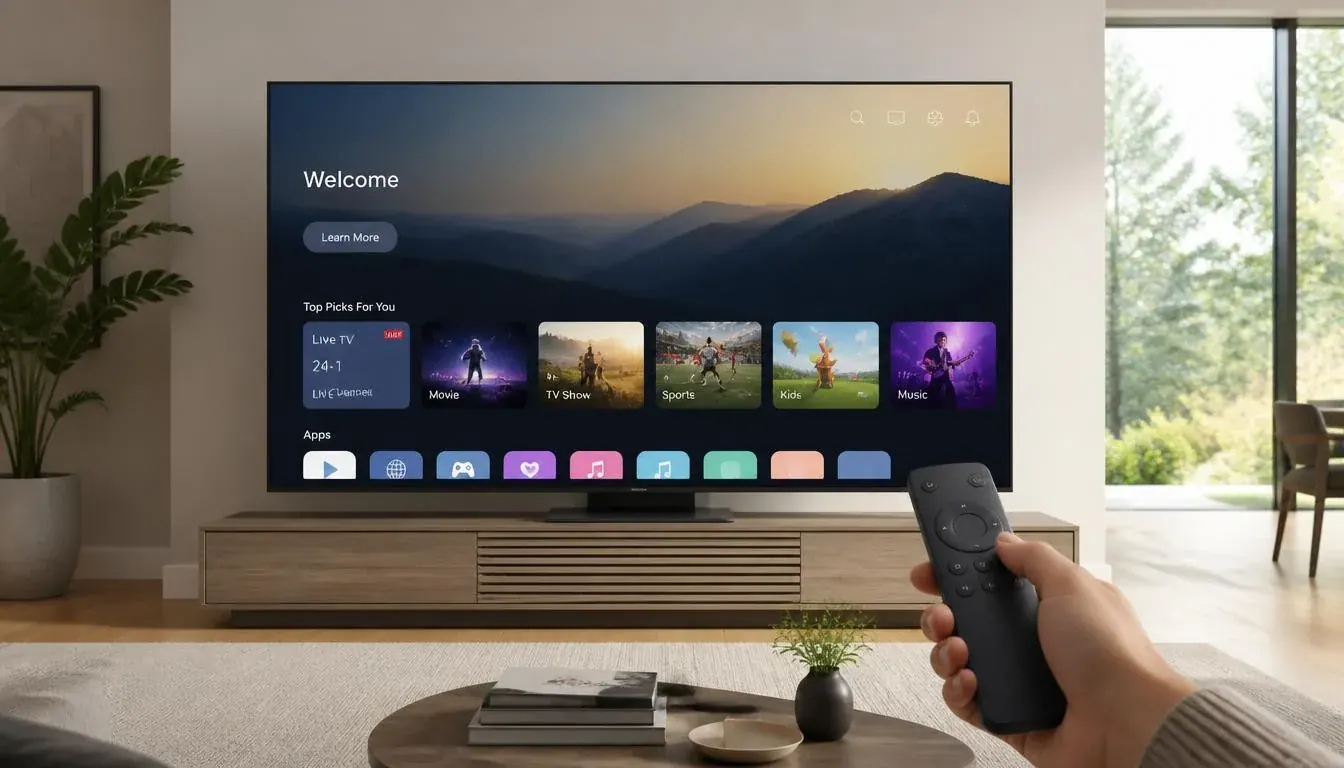
Android TV running an IPTV player app
  • Player picks for Fire TV, Android, Apple, Samsung and LG
  • M3U and Xtream Codes explained
  • Step-by-step setup guides
  • Test any player with a free trial

IPTV player apps compared

An IPTV player is the app that plays your channels. It does not come with channels: you add the login details from your IPTV provider. Picking the right IPTV player app in Australia depends on your device, so here is what to use where.

IPTV players compared

PlayerBest onWhy people use itGuide
TiviMateFire TV, Android TVClean guide-style layout, favourites, recording in premiumSetup
IPTV Smarters ProAndroid, iPhone, iPad, PCFree, works almost everywhere, simple loginSetup
IBO PlayerSamsung, LG smart TVsWorks where you cannot sideload appsActivation
Smart STB / Hot PlayerSmart TVsSimple smart TV alternativesSamsung TV
Kodi (IPTV Simple Client)PC, Android, Fire TVHighly customisable media centreKodi setup
VLCWindows, MacQuick test of an M3U linkPC guide

Which IPTV player should you pick?

Fire TV Stick or Android TV box

Start with TiviMate for the best TV experience.

Samsung or LG smart TV

Use IBO Player or another smart TV player from the TV app store.

Phone, tablet or PC

IPTV Smarters Pro is the simplest cross-platform choice.

Add your IPTV login in 3 steps

  1. 1

    Install the player

    Download the IPTV player from your device app store.

  2. 2

    Choose the login type

    Pick Xtream Codes (server URL, username, password) or paste an M3U link.

  3. 3

    Load channels and the guide

    Wait for the playlist and programme guide (EPG) to load, then add your favourites.

IPTV player questions

What is the best IPTV player in Australia?

TiviMate is a favourite on Fire TV Stick and Android TV boxes. IPTV Smarters Pro is the most compatible across phones, tablets and PCs. IBO Player is common on Samsung and LG smart TVs.

Does an IPTV player include channels?

No. An IPTV player is only the app. You add the login details or playlist from your IPTV provider to see channels.

What is the difference between M3U and Xtream Codes?

An M3U playlist is a single link to your channel list. Xtream Codes uses a server URL, username and password and also loads the programme guide and movies more neatly. Most players support both.

Why are my channels buffering in my IPTV player?

Buffering is often your network. Try a wired connection, restart the router, or change DNS. If a single channel fails, try another. Read our IPTV buffering guide for a step-by-step fix.

Can I use the free trial with any IPTV player?

Yes. Start a free trial and enter the details in TiviMate, IPTV Smarters Pro, IBO Player or another supported player.

Pick a player, then test it free

Request a 24-hour trial and add the login to your IPTV player.

Chat on WhatsApp

No credit card for the trial  ·  support@4kaustraliaiptv.com