Australian Device Setup Hub
Get the optimal 4K streaming experience on Fire TV Stick, Apple TV, Smart TV, or Android TV. Learn how to configure Cloudflare 1.1.1.1 DNS on Australian NBN routers.
Supported Australian Hardware (Select Your Device)
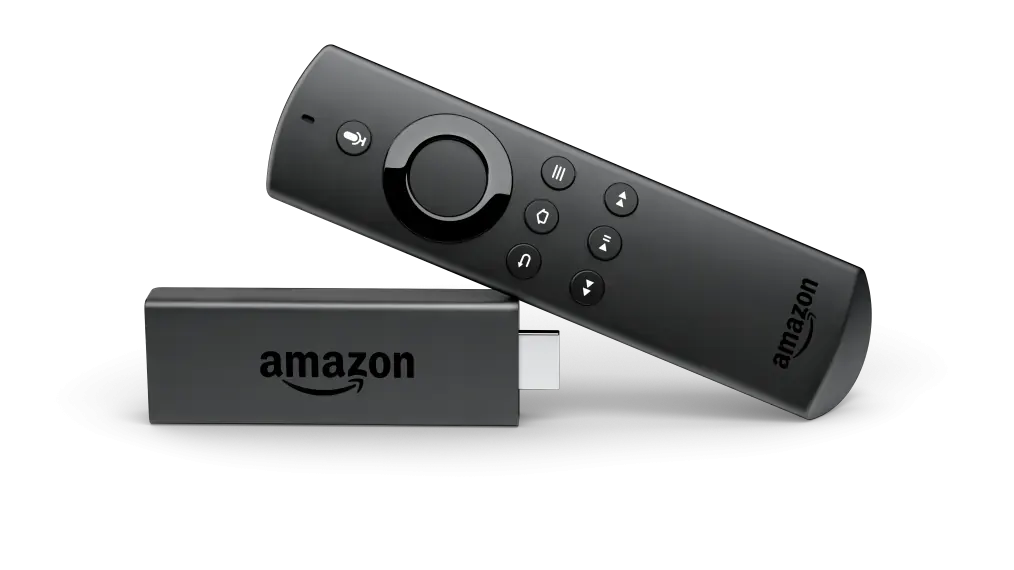
Amazon Fire TV Stick
Fire TV Stick 4K, 4K Max & Cube. Supports TiviMate & IPTV Smarters.
Firestick Guide →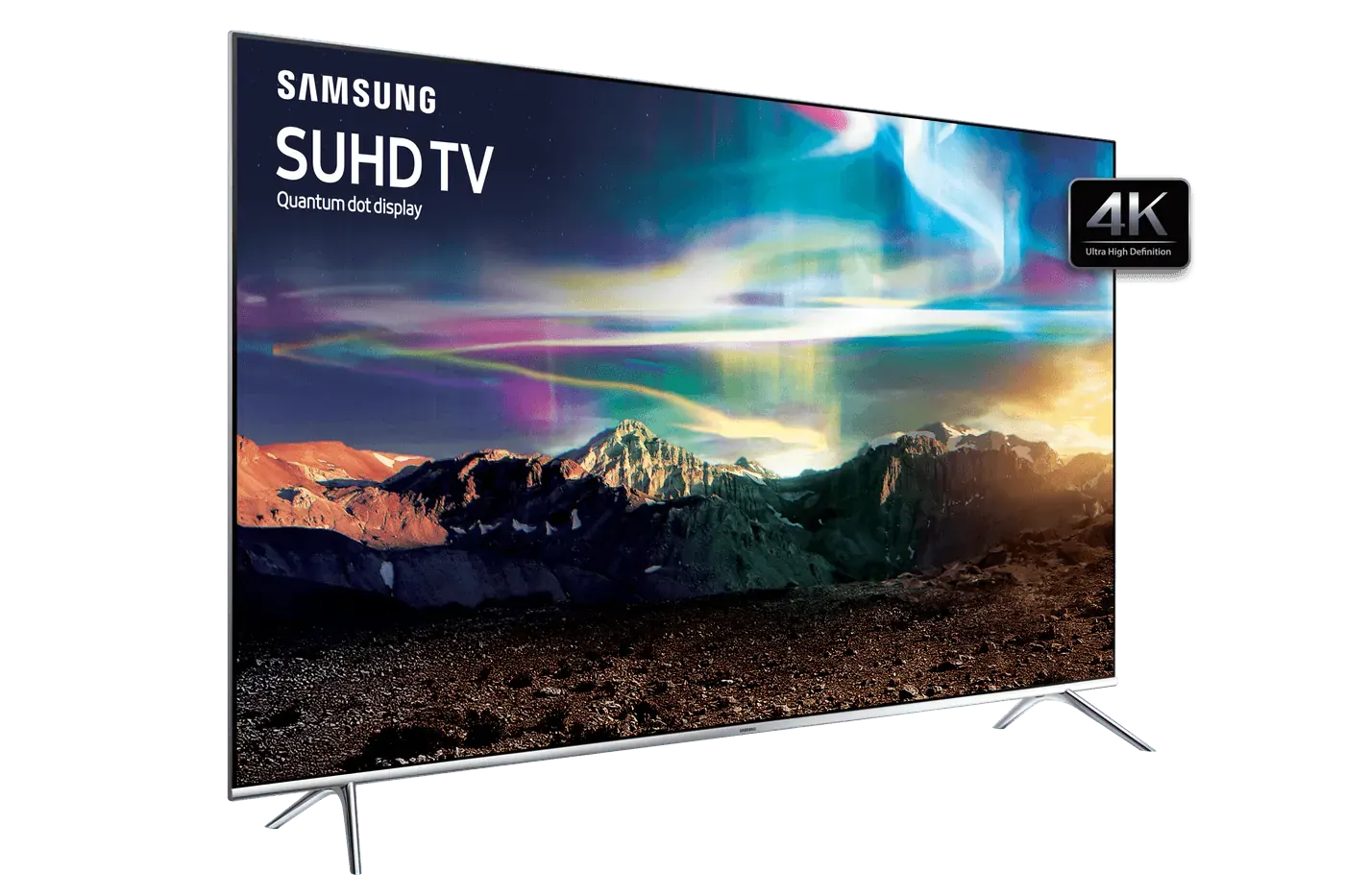
Samsung Smart TV
Tizen OS (2018-2026). Install IBO Player directly from Samsung Apps.
Samsung Guide →.webp)
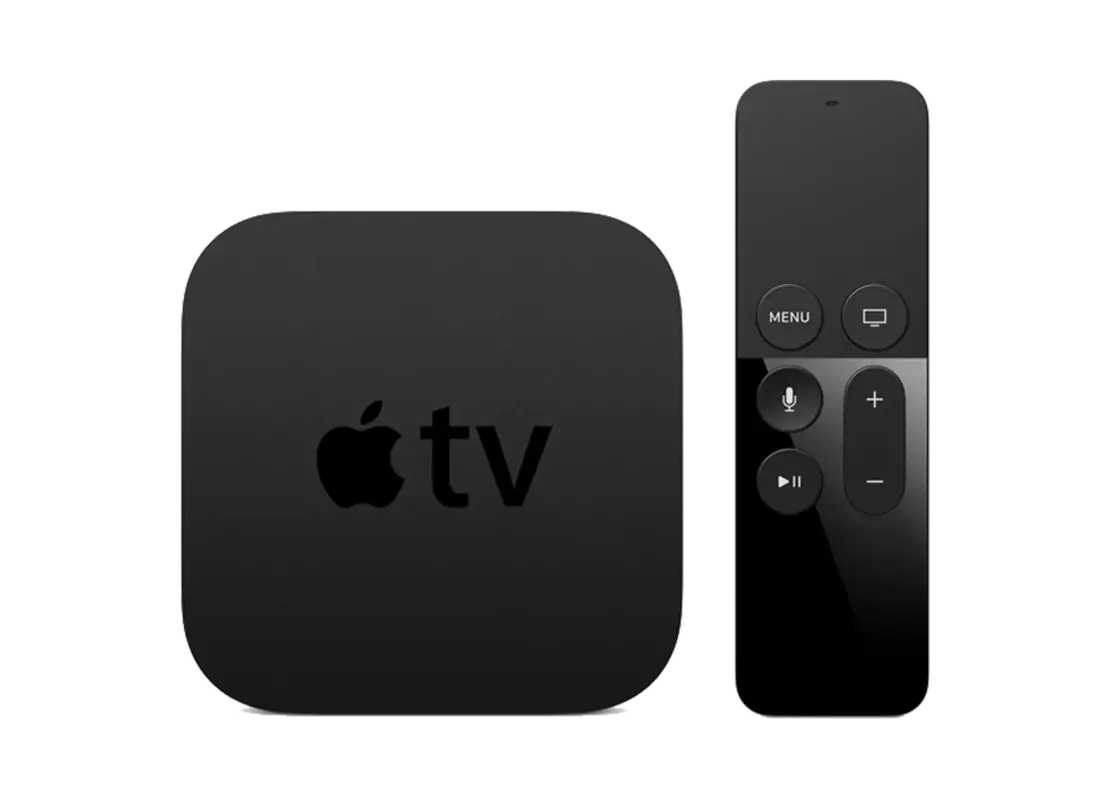
Apple TV 4K & iOS
tvOS 16/17/18. Stream with iPlayTV, IPTVX, or UHF Player in Dolby Vision.
Apple TV Guide →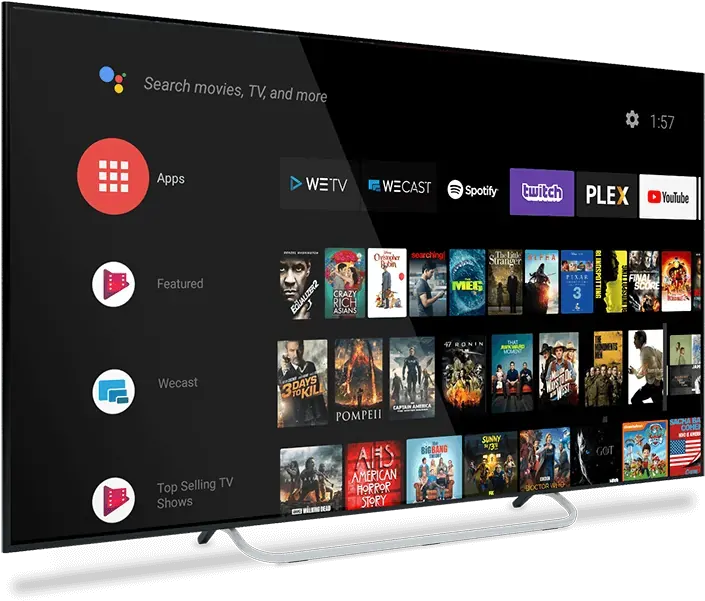
Android TV & Google TV
Chromecast, Sony Bravia, TCL, Hisense with TiviMate & full EPG sync.
Android TV Guide →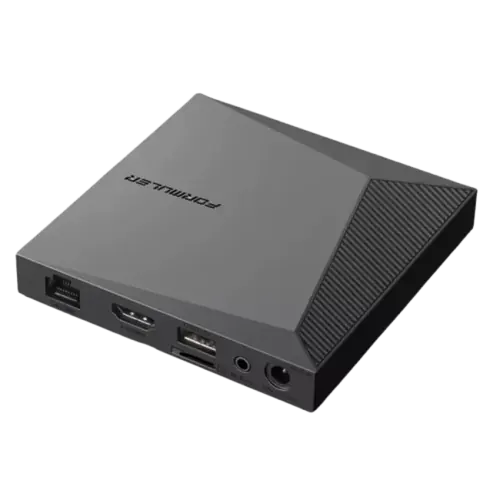
Formuler Z11 Pro Max
Dedicated IPTV hardware with MyTVOnline 3 portal and DVR recording.
Formuler Guide →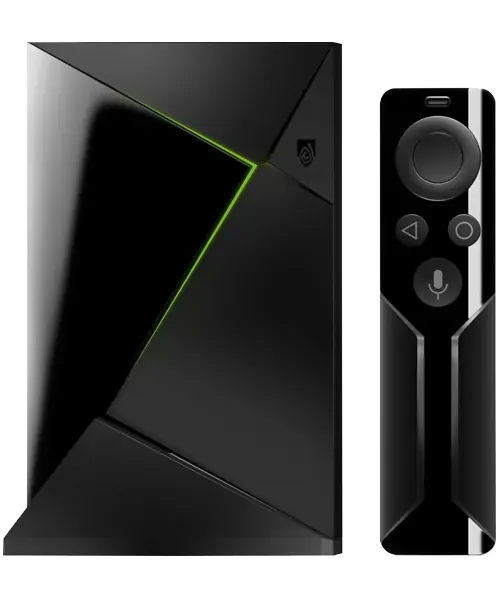
Nvidia Shield Pro
Tegra X1+ powerhouse with AI 4K upscaling for footy and live sports.
Shield Guide →
Chromecast with Google TV
Plug into any HDMI port with Voice Remote and Google Play Store.
Chromecast Guide →Recommended Streaming Apps




The Australian NBN DNS Anti-Buffering Guide
Major Australian internet providers (including Telstra, Optus, TPG, and Vodafone) occasionally apply aggressive transparent DNS caches during peak prime-time hours (Friday to Sunday evening footy). Setting your DNS to Cloudflare or Google Anycast bypasses this limitation, delivering instant channel switching and smooth streaming:
Cloudflare 1.1.1.1 (Recommended for Sydney/Melbourne)
Primary DNS: 1.1.1.1 | Secondary DNS: 1.0.0.1
Sub-5ms response time on all Australian NBN nodes.Google Secure DNS (Recommended for Regional AU)
Primary DNS: 8.8.8.8 | Secondary DNS: 8.8.4.4
Maximum compatibility across Telstra 5G & Starlink AU.