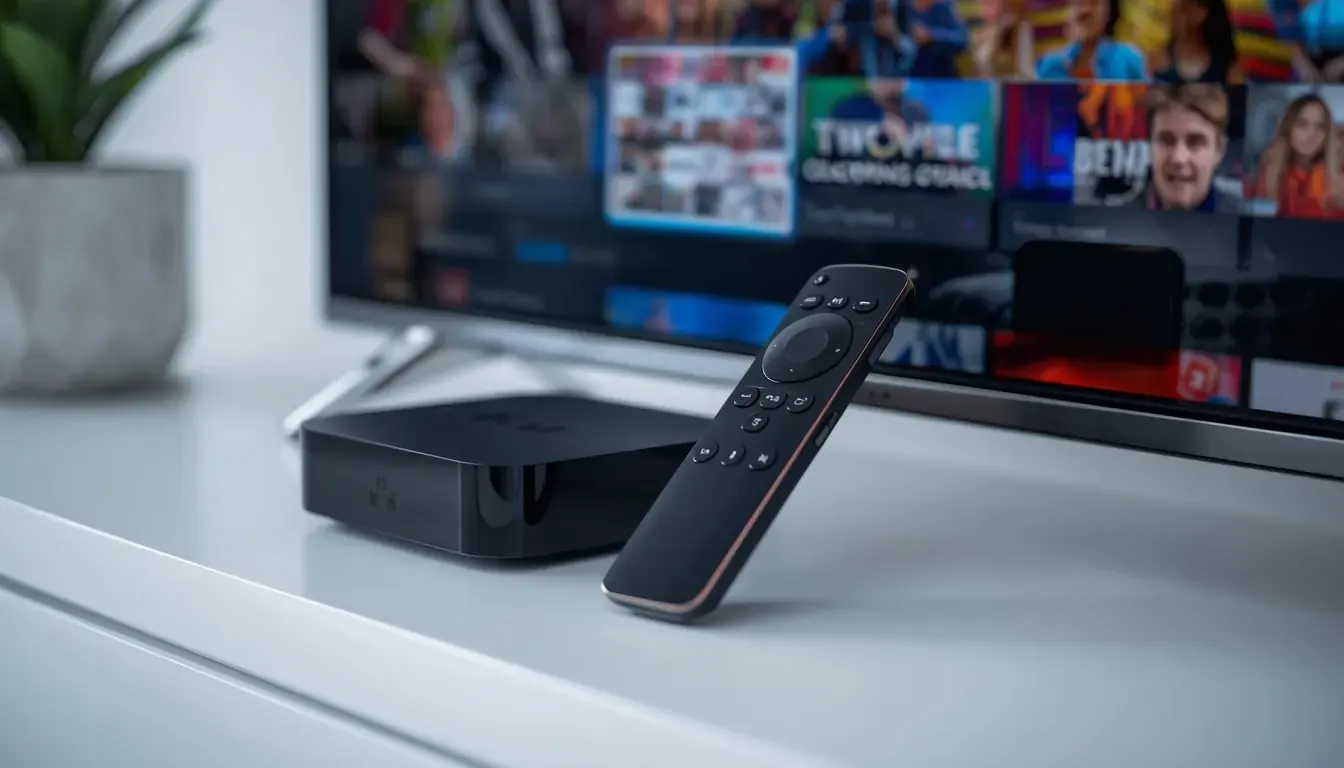
What you need
- A Formuler Z box (for example Z11 Pro Max)
- The MyTVOnline 3 app (built in)
- Your portal, M3U or Xtream details
Setup in 5 steps
- 1
Open MyTVOnline
Start the app from the home screen.
- 2
Add a portal
Choose Xtream, M3U or Stalker and enter the details.
- 3
Name the portal
Give it a short name to find later.
- 4
Wait for channels
Let it import the list and guide.
- 5
Customise the layout
Set favourites and hide unused groups.
Tips
- Use Ethernet for best results.
- Keep the box updated.
- Back up the portal list.
Common problems
Portal will not add
Check the URL and credentials.
Guide not showing
Refresh the portal and check time settings.
Remote not pairing
Re-pair it in settings.
Not sure which app to choose? Compare them in the IPTV player guide, or test your setup with a free 24-hour trial.