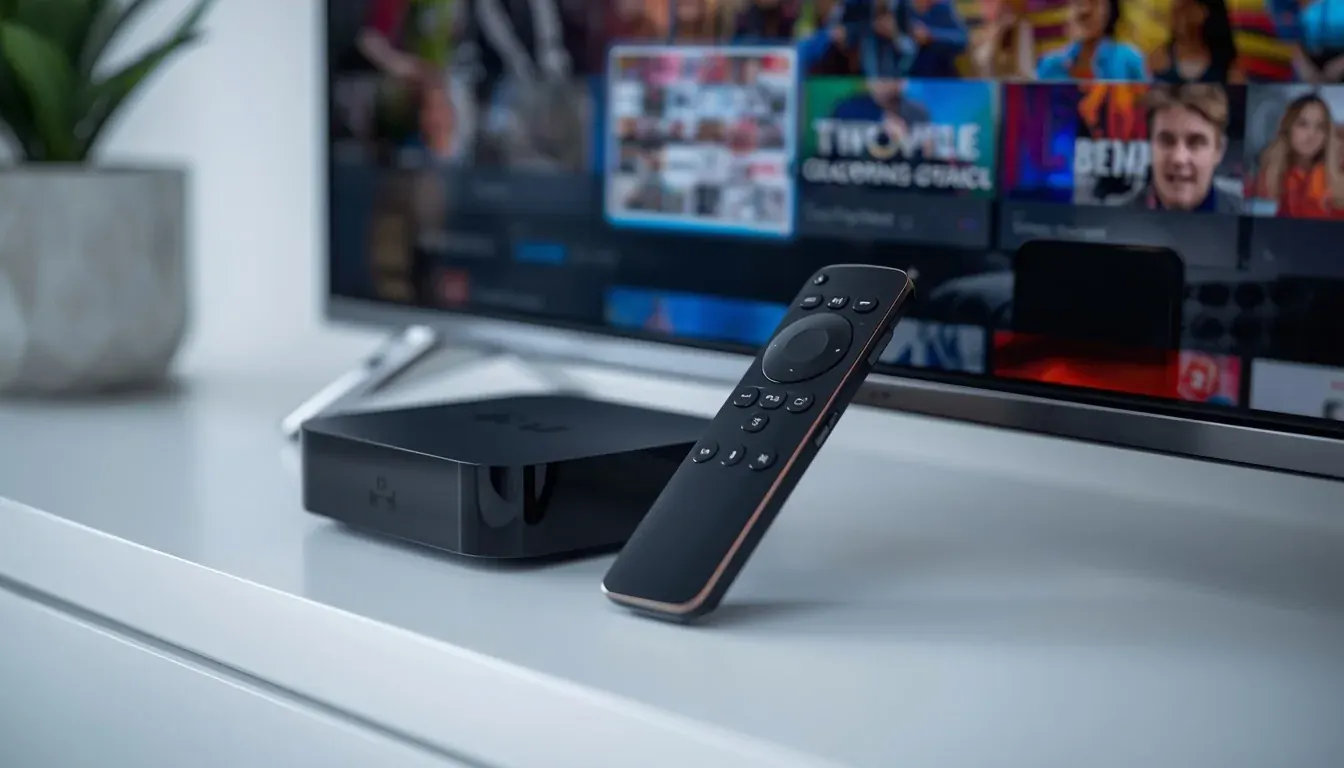
IPTV box comparison and buying guide
An IPTV box is a small streaming device that plugs into your TV and runs an IPTV player. The right IPTV box in Australia depends on your TV, your internet and your budget. This guide compares the main options so you can choose in a few minutes.
IPTV boxes compared
| Device | Best for | Strengths | Watch out for |
|---|
| Nvidia Shield TV Pro | Best performance | Fast, handles 4K and large playlists, long software support | Highest price |
| Android TV box (e.g. Xiaomi Mi Box S) | Best value | Cheap, runs TiviMate and Smarters Pro well | Avoid unbranded boxes with no updates |
| Formuler Z series | IPTV-first experience | Simple remote and menus, built for IPTV | Uses its own app (MyTVOnline) |
| MAG 524 / 540 | Portal-style IPTV | Dedicated IPTV hardware, reliable | Setup uses a portal URL |
| Fire TV Stick 4K | Cheapest start | Low price, easy app install | Less storage and no Ethernet on the stick |
| Apple TV 4K | Apple households | Smooth and reliable, great picture | Fewer IPTV apps |
What to look for before you buy
4K output
HDMI 2.0 or newer and HDR support if your TV has it.
Ethernet port
A wired connection avoids Wi-Fi drop-outs on busy NBN evenings.
Memory and storage
At least 2 GB RAM and 16 GB storage for a smooth IPTV player.
Official app store
Choose a box with Google Play or Amazon Appstore and regular updates.
Local warranty
Buy from an Australian retailer so you get Australian consumer protection.
Power and HDMI
Check that your TV has a free HDMI port that supports your box.
Set up your IPTV box in 4 steps
- 1
Connect and update
Plug the box into HDMI and power, connect to your network (use Ethernet if you can) and install system updates.
- 2
Install an IPTV player
Add TiviMate or IPTV Smarters Pro from the app store. See the IPTV player guide.
- 3
Add your login
Enter the server URL, username and password from your trial or subscription.
- 4
Test and tune
Watch live sport, set favourites and load the programme guide. If you see buffering, read the buffering guide.
Step-by-step guides: Nvidia Shield, Android TV box, Formuler, MAG box, Fire TV Stick.
IPTV box questions
What is the best IPTV box in Australia?
For performance, the Nvidia Shield TV Pro is the strongest Android TV box. For value, an Android TV box such as the Xiaomi Mi Box S works well. For a simple IPTV-first experience, look at Formuler or MAG boxes. A Fire TV Stick 4K is the cheapest way to start.
Do I need an IPTV box if I have a smart TV?
No. Many Samsung, LG and Android smart TVs can run an IPTV player directly. A box helps if your TV is old or slow, or if you want a wired network connection.
Is an IPTV box better than a Fire Stick?
A dedicated box usually has faster menus, more storage and an Ethernet port. A Fire TV Stick 4K is cheaper and good enough for one TV on stable Wi-Fi.
Which IPTV player works on an Android TV box?
TiviMate and IPTV Smarters Pro are the most popular IPTV players on Android TV boxes. See the IPTV player guide.
Can I use an IPTV box with a free trial?
Yes. Any IPTV box that can install an IPTV player can use a free trial. Start a trial and add the login details to your player.