Compare TiviMate, IPTV Smarters Pro, IBO Player and more. Pick the right IPTV player for your TV, phone or PC and add your login in minutes.
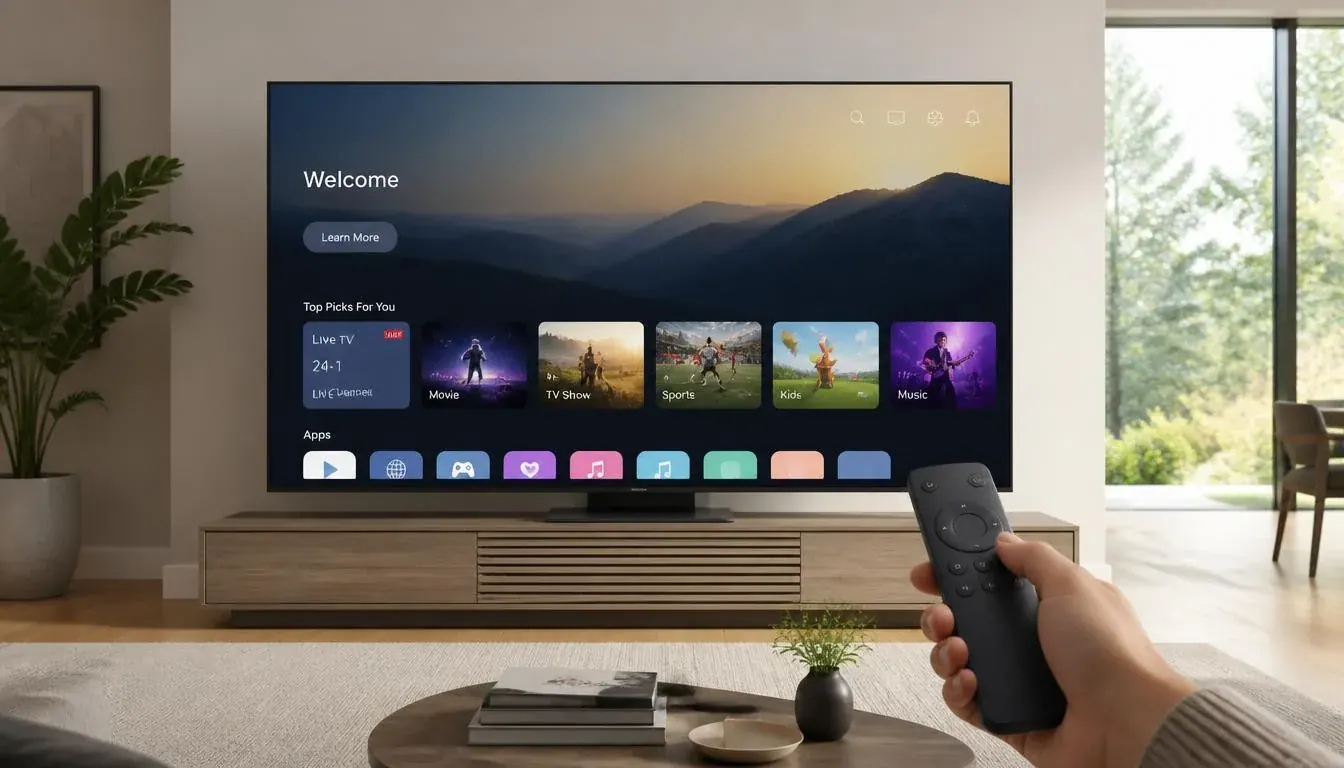
An IPTV player is the app that plays your channels. It does not come with channels: you add the login details from your IPTV provider. Picking the right IPTV player app in Australia depends on your device, so here is what to use where.
| Player | Best on | Why people use it | Guide |
|---|---|---|---|
| TiviMate | Fire TV, Android TV | Clean guide-style layout, favourites, recording in premium | Setup |
| IPTV Smarters Pro | Android, iPhone, iPad, PC | Free, works almost everywhere, simple login | Setup |
| IBO Player | Samsung, LG smart TVs | Works where you cannot sideload apps | Activation |
| Smart STB / Hot Player | Smart TVs | Simple smart TV alternatives | Samsung TV |
| Kodi (IPTV Simple Client) | PC, Android, Fire TV | Highly customisable media centre | Kodi setup |
| VLC | Windows, Mac | Quick test of an M3U link | PC guide |
Start with TiviMate for the best TV experience.
Use IBO Player or another smart TV player from the TV app store.
IPTV Smarters Pro is the simplest cross-platform choice.
Download the IPTV player from your device app store.
Pick Xtream Codes (server URL, username, password) or paste an M3U link.
Wait for the playlist and programme guide (EPG) to load, then add your favourites.
Request a 24-hour trial and add the login to your IPTV player.
No credit card for the trial · support@4kaustraliaiptv.com