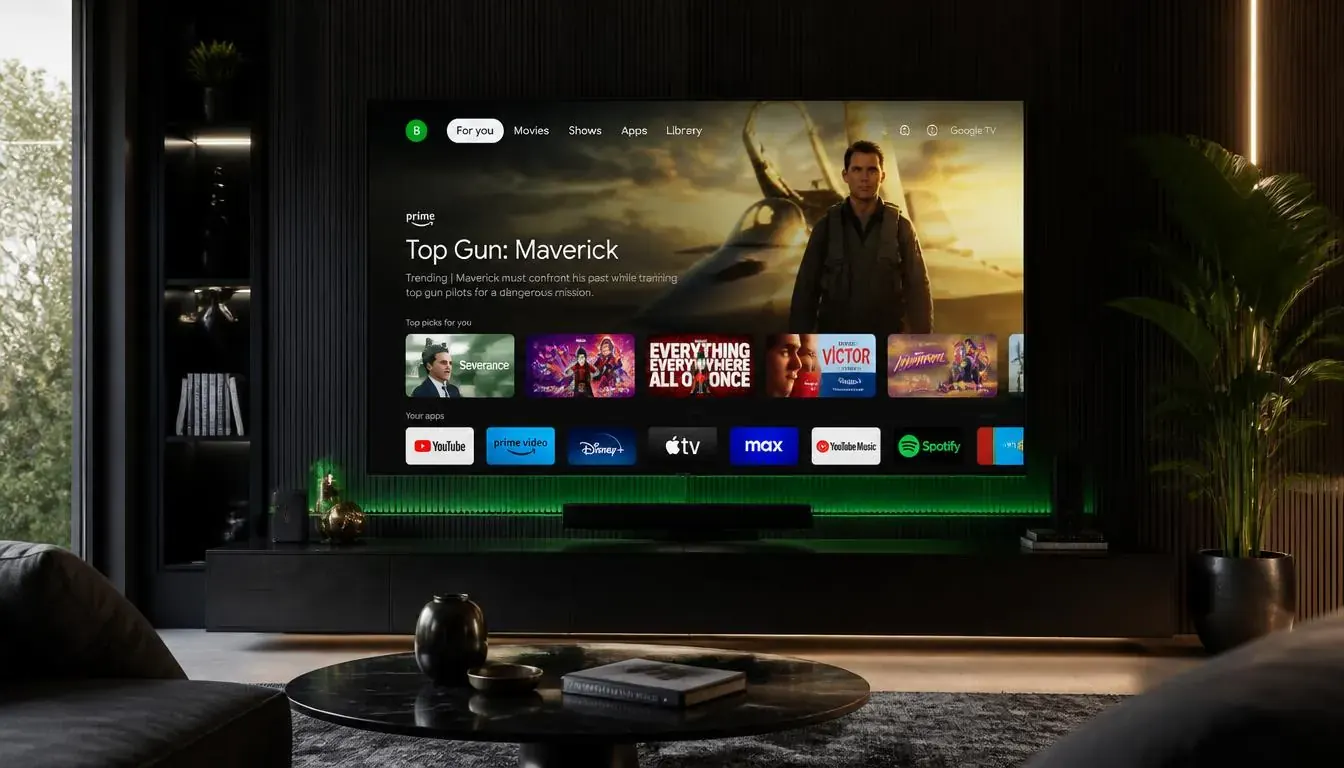
What you need
- An Android TV or Google TV box (for example Xiaomi Mi Box S or Nvidia Shield)
- A Google account to use the Play Store
- Your IPTV login details
Setup in 5 steps
- 1
Open the Play Store
Search for TiviMate or IPTV Smarters Pro and install it.
- 2
Open the app and add a playlist
Choose Xtream Codes or M3U and enter your details.
- 3
Wait for the first load
The first import of channels and guide can take a few minutes.
- 4
Set a default player for streams
Leave it on the built-in player unless a channel will not play.
- 5
Save your favourites
Group channels into favourites for faster browsing.
Tips
- Use Ethernet where you can.
- Keep the box software updated from Settings.
- Avoid very cheap unbranded boxes that never receive updates.
Common problems
The Play Store app is missing
Make sure the box is certified and signed in to Google.
Menus are slow
Clear storage in Settings, Apps and remove apps you do not use.
Streams stutter on Wi-Fi
Move to 5 GHz or connect a cable.
Not sure which app to choose? Compare them in the IPTV player guide, or test your setup with a free 24-hour trial.