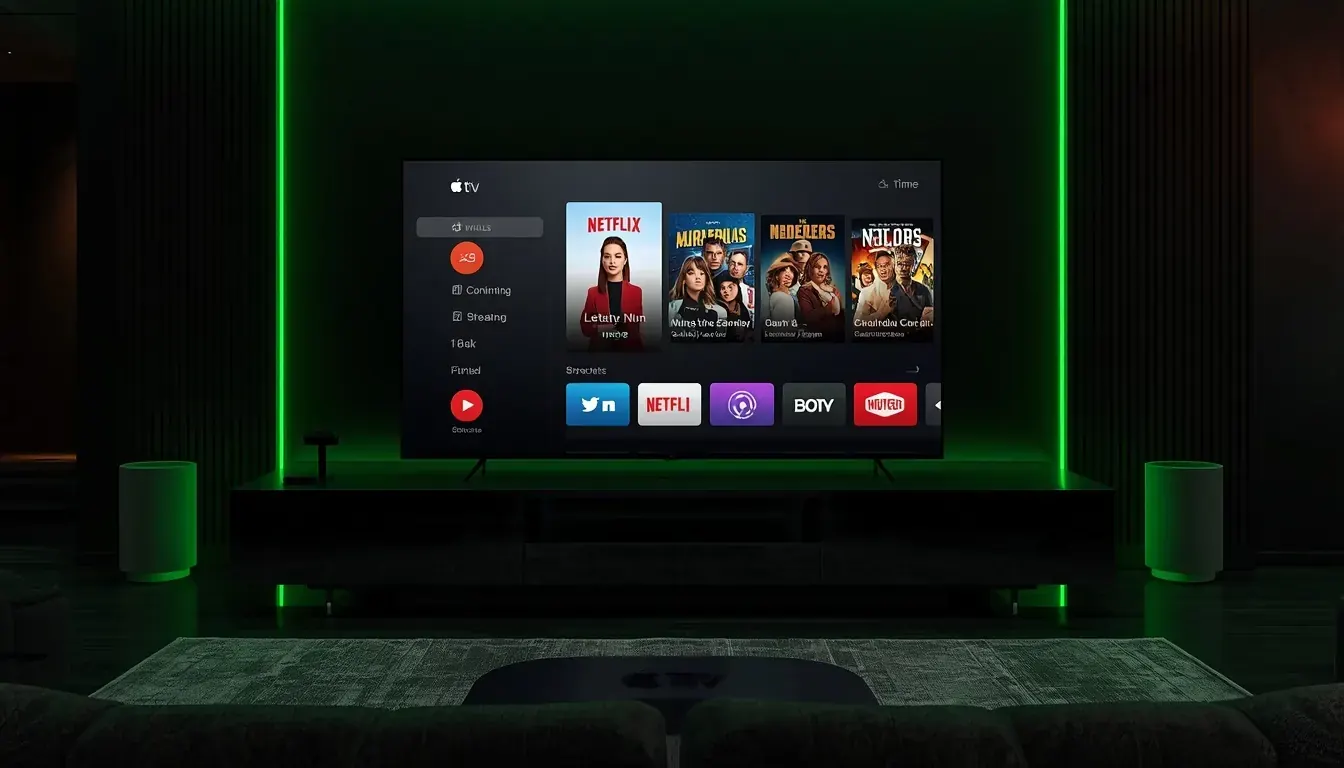
What you need
- An Apple TV HD or Apple TV 4K running a recent tvOS
- An Apple ID signed in to the App Store
- Your IPTV login details
Setup in 5 steps
- 1
Open the App Store
Search for an IPTV player that supports tvOS.
- 2
Install and open it
Choose the option to add a playlist.
- 3
Enter your details
Type the M3U link or Xtream details. Pairing from your iPhone can save typing.
- 4
Add the guide
If your service provides an XMLTV link, add it in the app settings.
- 5
Check the picture settings
Turn on match frame rate and dynamic range in Apple TV settings for sport.
Tips
- Use Ethernet on Apple TV 4K for the steadiest stream.
- Use the Remote app on iPhone to type long URLs.
- Restart the device if the app stops loading.
Common problems
The app cannot find my playlist
Check the link for typos and make sure it starts with https.
Sound is out of sync
Use Settings, Video and Audio, Wireless Audio Sync.
Channels do not load
Refresh the playlist inside the app.
Not sure which app to choose? Compare them in the IPTV player guide, or test your setup with a free 24-hour trial.