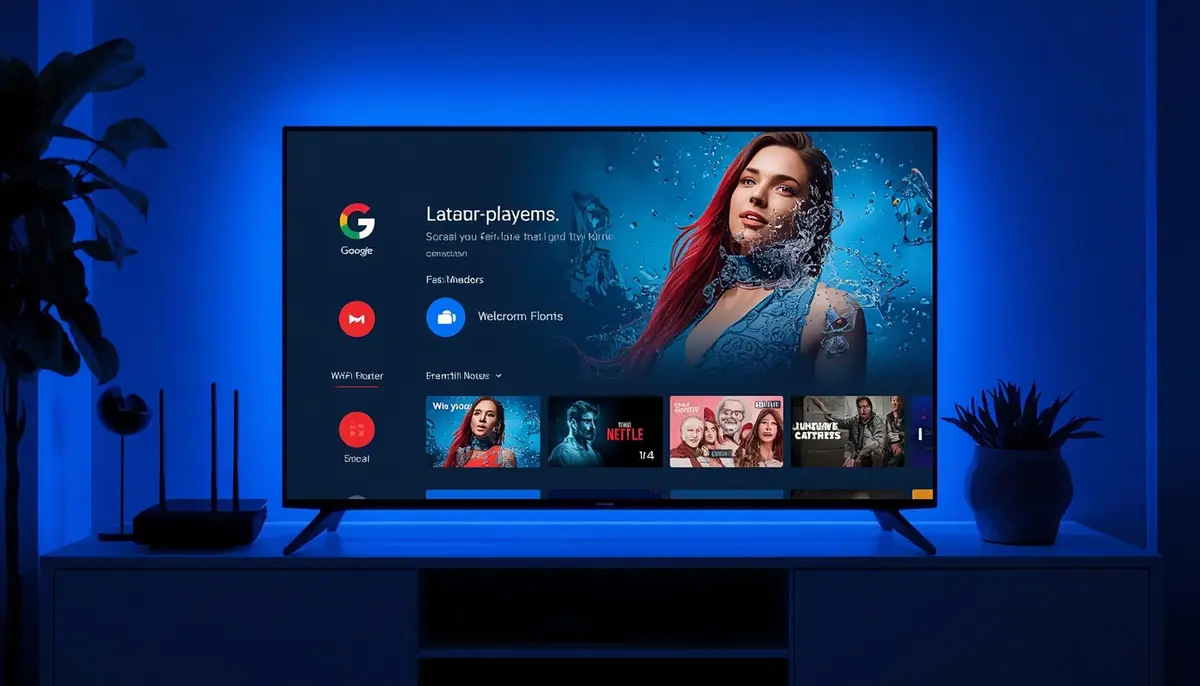
What you need
- A Chromecast with Google TV (4K or HD)
- A Google account
- Your IPTV login details
Setup in 5 steps
- 1
Open the Apps tab
Search for an IPTV player and install it.
- 2
Add your playlist
Enter your Xtream or M3U details.
- 3
Load the guide
Wait for the EPG to finish importing.
- 4
Choose favourites
Save them for fast access.
- 5
Check Wi-Fi
Use the 5 GHz band or an Ethernet adapter.
Tips
- Free up storage by removing unused apps.
- Restart the dongle from Settings, System, Restart.
- Do not use the regular Chromecast casting mode for IPTV; use an app.
Common problems
Remote voice is slow
Check your Wi-Fi.
Streams buffer
Try a wired adapter.
Apps are missing
Check the Google TV region.
Not sure which app to choose? Compare them in the IPTV player guide, or test your setup with a free 24-hour trial.