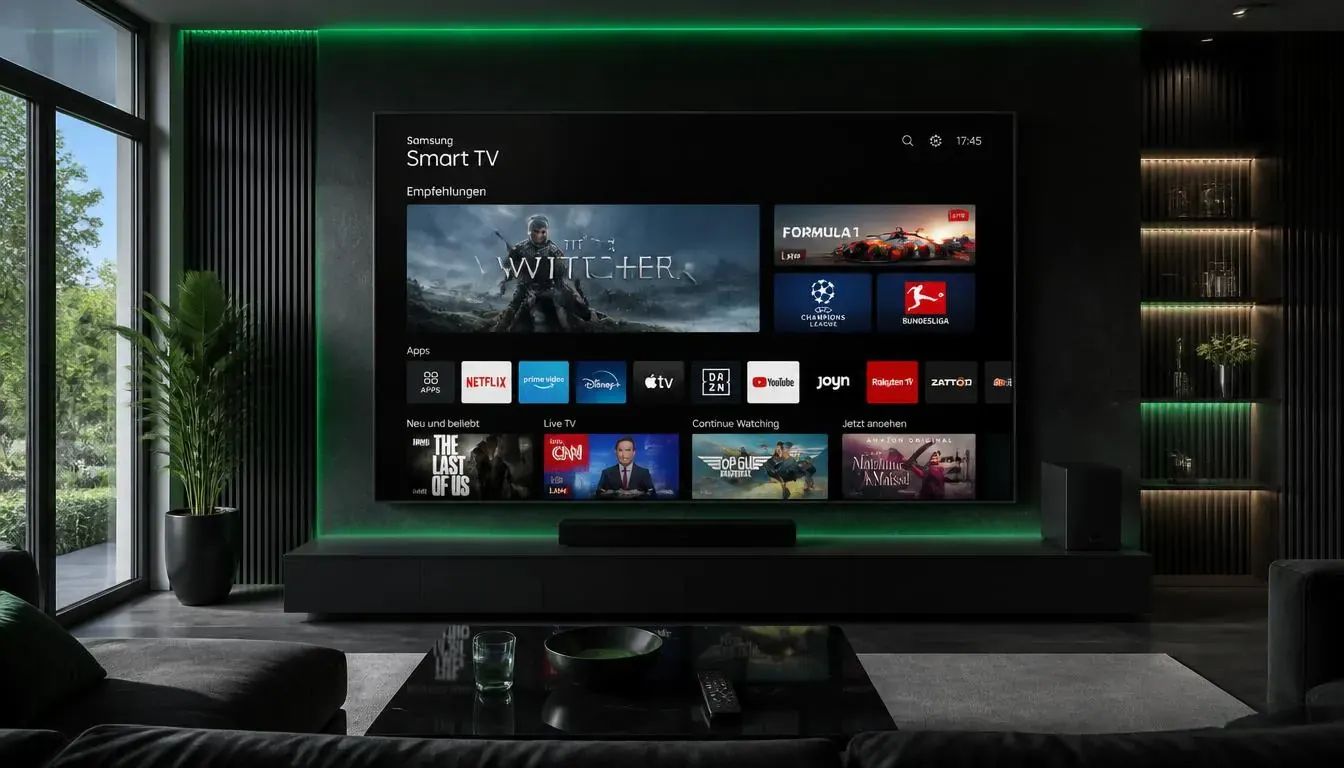
What you need
- A Samsung smart TV running Tizen (most models from 2016 onwards)
- An internet connection on the TV
- Your IPTV login or playlist link
Setup in 5 steps
- 1
Open Smart Hub
Go to Apps and search for an IPTV player.
- 2
Install and open the player
Note the device ID and key or code it shows.
- 3
Add your playlist
Use the player website or the on-screen option to upload your M3U link or Xtream login.
- 4
Restart the app
Close and reopen it so the playlist loads.
- 5
Set your favourites
Group your channels for quick access.
Tips
- A wired connection helps if the TV Wi-Fi is weak.
- Keep the TV software up to date.
- If the app is missing, check that the TV region is set to Australia.
Common problems
The playlist will not load
Check the activation details and the playlist link.
The app crashes
Update the TV and reinstall the app.
Pictures look soft
Check that the channel is HD or 4K and your connection is fast enough.
Not sure which app to choose? Compare them in the IPTV player guide, or test your setup with a free 24-hour trial.