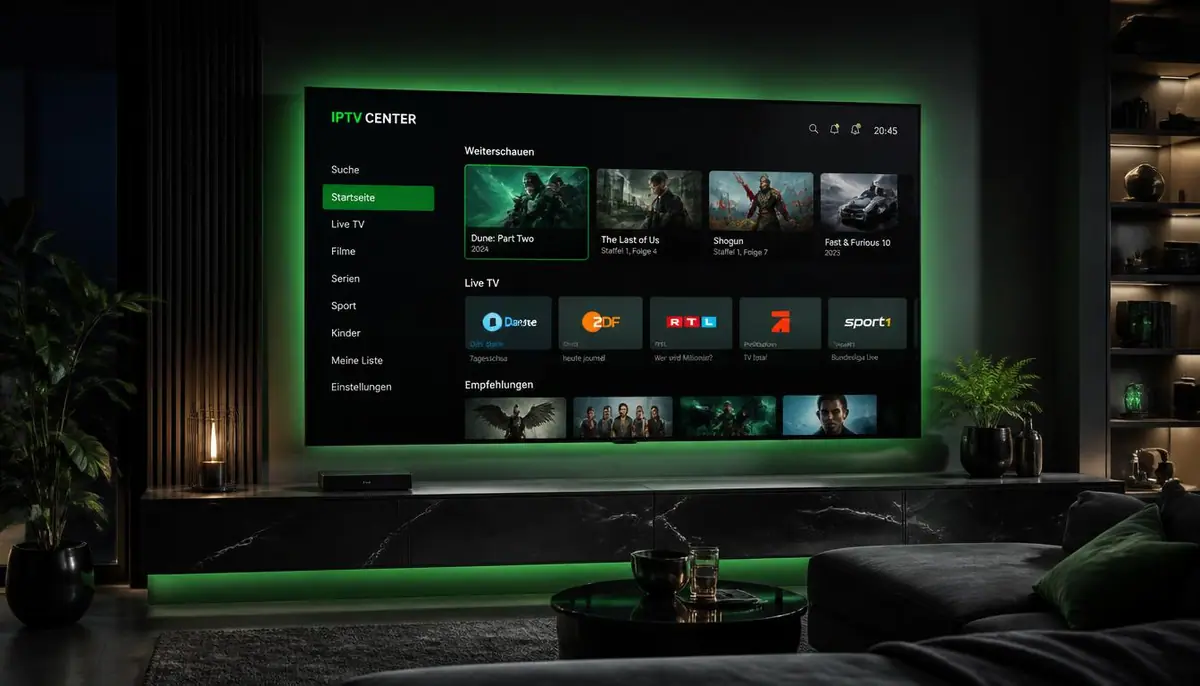
What you need
- A device that can run IPTV Smarters Pro
- Your username, password and server URL
- A stable internet connection
Setup in 5 steps
- 1
Install the app
Download it from your device app store, or from the official website for Windows and Mac.
- 2
Choose Xtream Codes
Select Login with Xtream Codes API.
- 3
Enter your details
Give the connection a name, then add username, password and URL.
- 4
Wait for the import
Channels, movies and series load into separate sections.
- 5
Open Live TV
Pick a category and start watching.
Tips
- Use the built-in player first.
- Set parental controls from the settings menu.
- Restart the app after changing the playlist.
Common problems
Login fails
Check the URL has no trailing spaces and begins with http or https.
No guide
Refresh EPG in the app settings.
Black screen
Switch to another player in settings.
Not sure which app to choose? Compare them in the IPTV player guide, or test your setup with a free 24-hour trial.