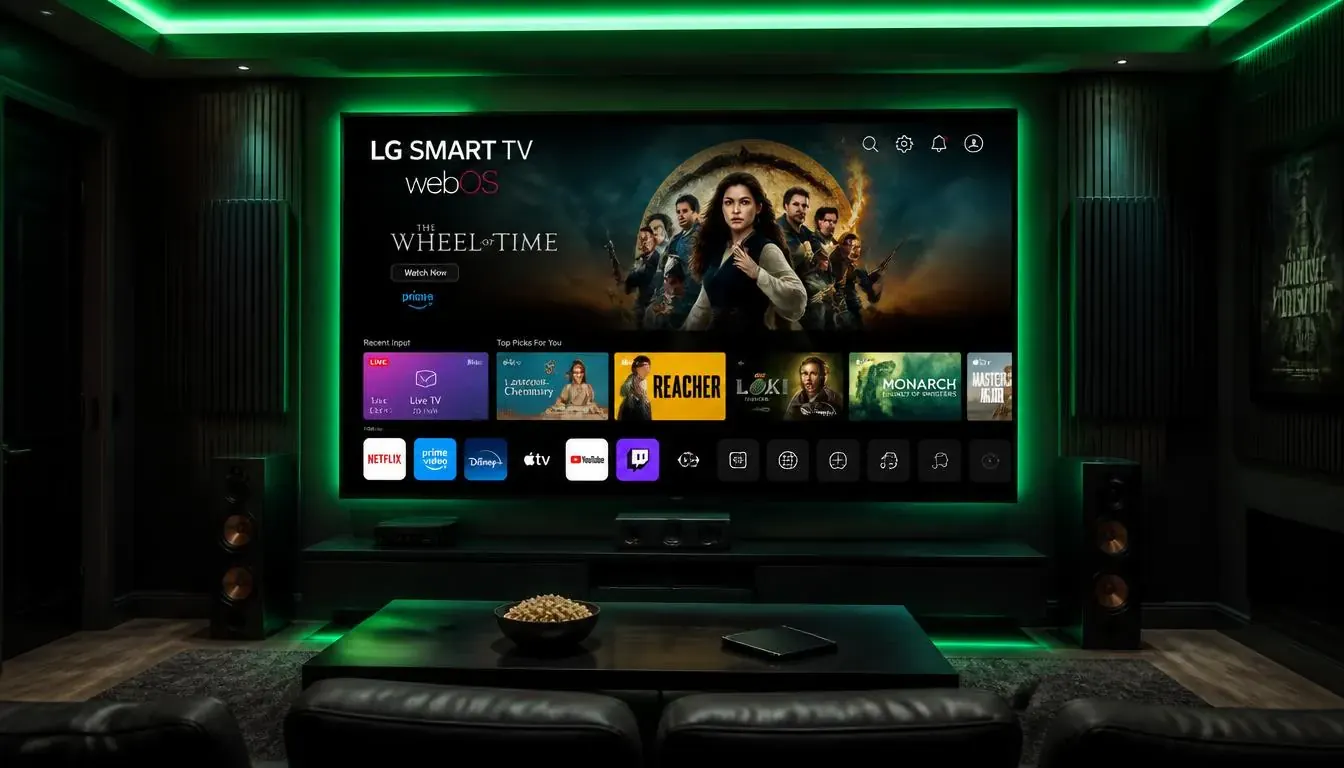
What you need
- An LG TV running webOS
- An internet connection on the TV
- Your IPTV login or playlist link
Setup in 5 steps
- 1
Open the LG Content Store
Search for an IPTV player and install it.
- 2
Open the player
Note any device ID or activation code shown on screen.
- 3
Add your playlist
Upload the M3U link or Xtream login through the player website.
- 4
Reload the app
Restart the app to load channels and the guide.
- 5
Pin the app
Move it to the first row of the home screen.
Tips
- Turn on the Game or Filmmaker picture mode only if you want less processing.
- Use Ethernet if your Wi-Fi is weak.
- Update webOS from Settings, General.
Common problems
App not in the store
Check the TV region and webOS version.
Channels freeze
Try another channel, then restart the TV.
Guide shows wrong times
Set the correct time zone in the TV and the app.
Not sure which app to choose? Compare them in the IPTV player guide, or test your setup with a free 24-hour trial.